
01 — CERTIFY
Hour logbook
Log hours by category, see what is left, and export a PDF for your program.
From certification to the classes you teach
Track observation, self-practice, and apprentice teaching hours, build structured class plans, and keep your exercise library in one workspace.
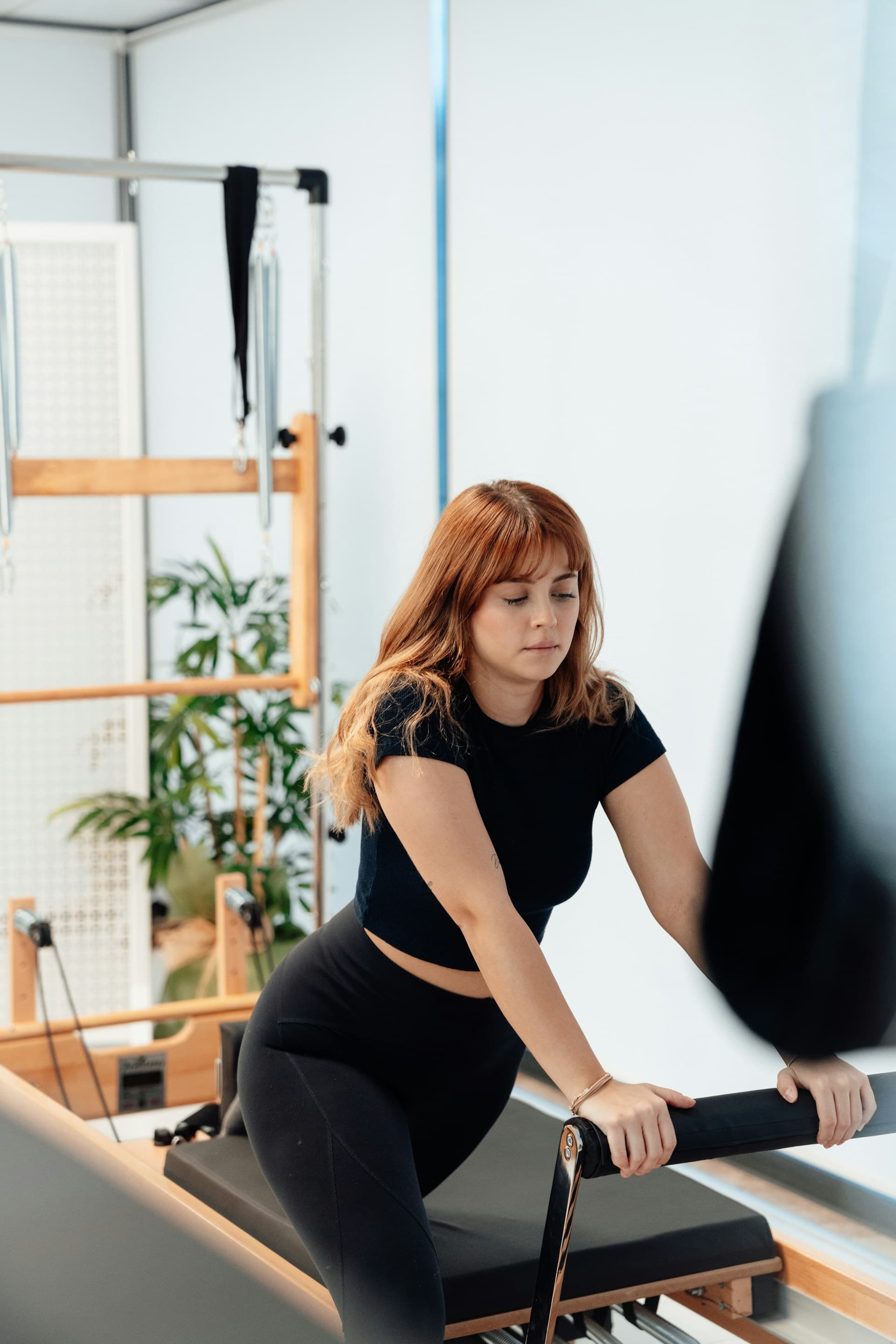
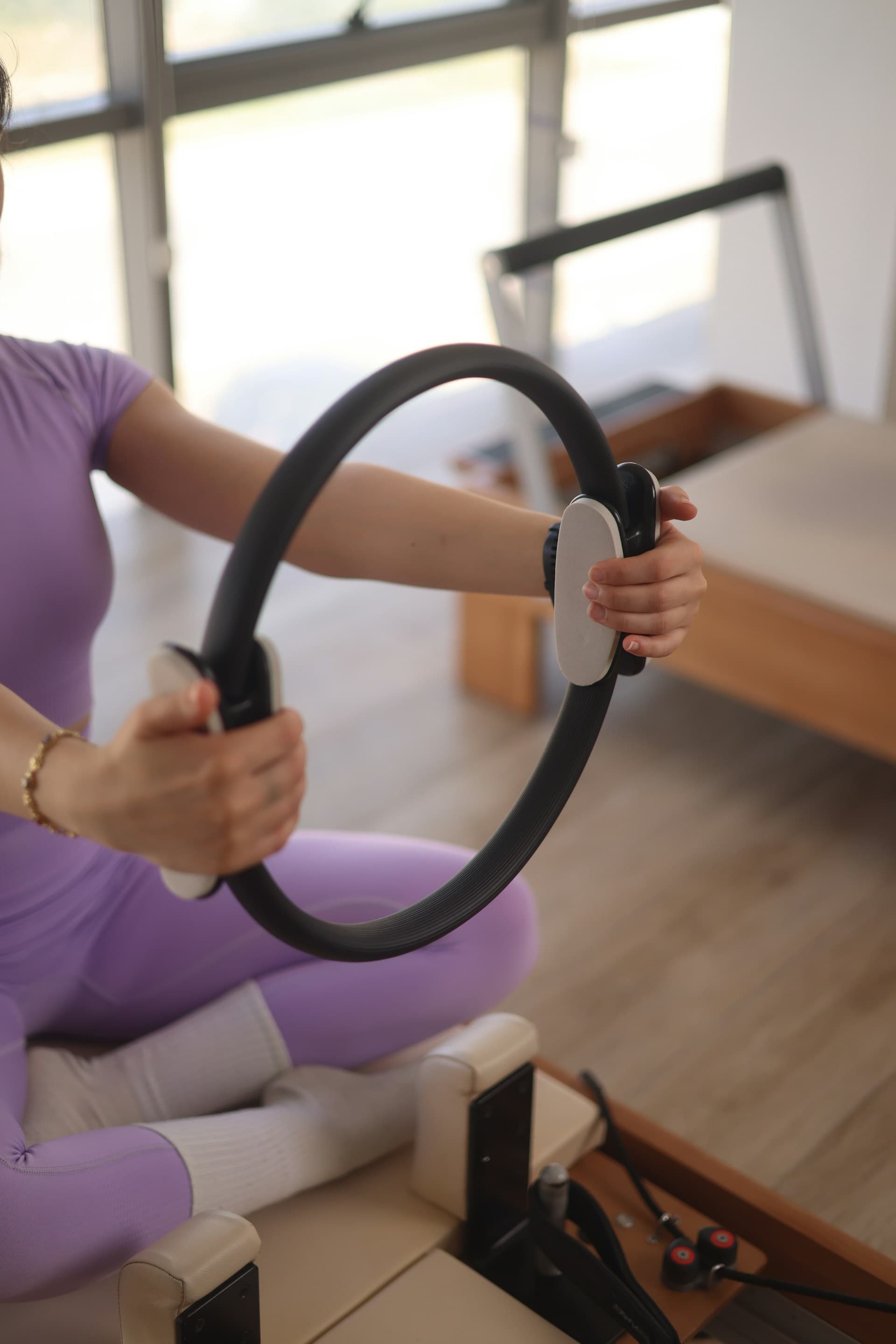
The same order each time: log the hours, build the plan, then pull exercises back in when you teach again.
01 — CERTIFY
Log hours by category, see what is left, and export a PDF for your program.
02 — PRACTICE
Blocks and exercises, drag and drop, autosave. Plans for any apparatus.
03 — TEACH
Save an exercise once and reuse it across plans. Search and filter instead of retyping.
04 — LAUNCH
Built for Pilates instructors, by Pilates instructors. Whether you're completing certification or building your teaching practice, Movaria Student adapts to your needs. Trainees keep the logbook. Instructors keep the plans and the library.
Track your progress
Stay organized during your certification journey. Log observation hours, self-practice sessions, and apprentice teaching time. See what is left in each category, and export a PDF for your program.
Plan better classes
Build structured, professional class plans quickly. Save your favorite exercises to your library and reuse them. Create plans for any apparatus with clear blocks and detailed cues. Focus on teaching, not planning.
Are you a certification program? Offer Movaria as a learning resource we can tailor to your curriculum.
Book a demoEverything you need to know about Movaria Student.
Movaria Student is a workspace for Pilates instructors to track certification hours, build structured class plans, and manage a personal exercise library. It combines the tools you need in one place.
After signing up, set your program and the categories it requires, such as observation, self-practice, and apprentice teaching. Log hours as you complete them. The dashboard shows what is left in each category, and you can export a PDF logbook for your program.
Yes! You can export your complete certification logbook as a professional PDF that includes a summary table, full chronological log, and signature line. Perfect for submitting to your certification program.
Your exercise library is private to you. Save exercises once with all their details (reps, setup, cues, modifications), then quickly insert them into any class plan. Changes to exercises in your plans don't affect the original library entry.
Absolutely! You can create class plans for Mat, Reformer, Chair, Cadillac, or Mixed apparatus. Each plan can be organized into blocks with exercises, and you can drag and drop to reorder everything.
Yes. All your data is stored securely in your private account. Your exercise library, class plans, and certification logs are only accessible to you. We use industry-standard security practices to protect your information.